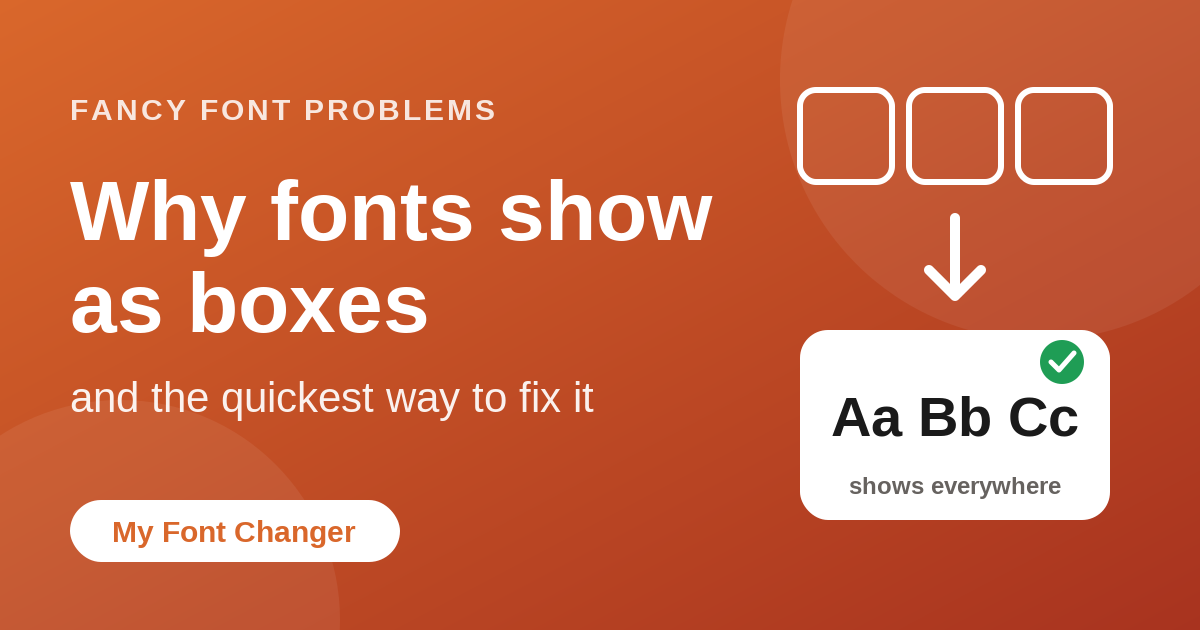
Fonts show as boxes when the device displaying the text lacks a font for those characters. It shows a placeholder box, often called "tofu," instead. The text isn't broken, and updating the device or picking a more common style usually fixes it.
Key takeaways:
- A box (□) is a placeholder. The real character is still in the text.
- Boxes depend on the viewer's device, so you might see your fancy text while a friend sees squares.
- The � symbol is a different problem: damaged text, not a missing font.
- The fastest fixes are updating your phone or app, choosing a widely supported style, and testing before you post.
What Do the Boxes in Text Mean?
A box in text means the font can't draw that character, so it shows a stand-in shape instead. Depending on the font and device, you may see:
- An empty box: □
- A box with an X inside: ☒
- A box with a question mark, used by some Microsoft fonts such as Calibri
- On a Mac, sometimes a rounded box with a small symbol inside, from Apple's Last Resort font
Designers call the empty box "tofu," because a row of them looks like little blocks of tofu. The technical name is the .notdef glyph, short for "not defined." You'll also see it called a missing glyph.
The box is only a stand-in. The original character is still there, hidden behind it. Paste the same text on a device with the right font, and the symbol usually shows up again.
Why Do Fonts and Symbols Show as Boxes?
Fonts and symbols show as boxes because no single font contains every character. Unicode, the shared character standard used by phones and computers, now lists more than 150,000 characters, each with its own code.
When an app needs a character, it checks its own font first. If that font doesn't have it, the device quietly tries its other installed fonts, a process called font fallback. A box appears only when none of them can draw it.
The most common causes of text showing as boxes, or characters not displaying at all, are:
- Rare symbols from small Unicode blocks, like ঔ
- Newer emoji that an older phone doesn't know yet
- Letters added to Unicode recently. A tiny raised q, for example, was added in 2021, so many devices still lack a font for it.
- Older phones and computers with fewer fonts installed
- Unsupported characters in an app that uses a limited font
Why Can I See My Fancy Text but Others See Boxes?
You can see your fancy text while others see boxes because each reader's device relies on the fonts installed on it. Styled text travels as characters, not as a picture, so the phone or computer receiving it decides how it looks.
That's why a name can look perfect on a new iPhone and show up as boxes on an older Android phone, a school Chromebook, or a work laptop. You see your fonts. Your friends see theirs.
Emoji work the same way. iPhones and Macs use Apple Color Emoji, Windows uses Segoe UI Emoji, and many Android phones use Noto Color Emoji. A brand-new emoji can appear as a box on one system until it updates.
What's the Difference Between Boxes and �?
A box means a font is missing, while � means the text itself was damaged. The black diamond with a question mark is called the replacement character (U+FFFD). It usually appears when text gets garbled while being saved, sent, or converted between formats.
| What you see | What it means | Can it be fixed? |
|---|---|---|
| □ or ☒ | The device has no font for that character | Usually, with a font or system update |
| � | The text was damaged on the way | Often not. The original character may be lost |
If you see boxes, the character is still there. If you see �, it's best to get a fresh copy of the text from the original source.
Which Fancy Text Styles Show Boxes Most?
Bold, italic, and cursive styles rarely show boxes, while rare symbols and very new emoji show them most. The difference comes from how widely each set of special characters is supported.
| Style | Example | Chance of boxes |
|---|---|---|
| Bold, italic, cursive | 𝐁𝐨𝐥𝐝, 𝓒𝓾𝓻𝓼𝓲𝓿𝓮 | Low on most modern devices |
| Small caps | ᴀʙ, ꜰ, ꜱ | Medium. A few letters are rarer |
| Tiny letters | ᵗⁱⁿʸ | Medium. Some letters are missing or new |
| Rare symbols and scripts | ঔ | Higher, especially on older devices |
| Very new emoji | Latest releases | Higher until devices update |
Styles that stack marks on top of letters, such as the s̶t̶r̶i̶k̶e̶ styles on our Strikethrough Text Generator, rarely turn into boxes. On some fonts, though, the line can sit slightly off or overlap the next letter.
How Do I Fix Boxes in Text?
You fix boxes in text by giving the device a font that has the missing characters, or by switching to characters the device already supports. The right steps depend on your device and on who sees the boxes.
On iPhone and Android
- Update your phone's system. iOS and Android updates often add new emoji and fonts.
- Update the app where you see the boxes.
- Try a different app. If the text looks fine in one app but not another, the second app's font is the problem.
On Windows, Mac, and Chromebook
- Install system updates. This applies to Windows, macOS, and ChromeOS alike.
- Try another web browser if boxes only appear on certain websites.
- On Windows or Mac, add a font with wide coverage. Google's Noto family was named after its goal of "no tofu" and covers a large part of Unicode.
If Other People See Boxes in Your Text
- Switch to a widely supported style. Bold, italic, and cursive letters are the safest choices.
- Swap out the one odd character. Often a single symbol or letter causes the problem, not the whole style.
- Test before you post. Text it to a friend on a different device, or open it on your own second device.
- Keep a plain version. Save a normal copy of your name or bio in case someone can't display the styled one.
Our Small Text Generator and Symbols Copy and Paste pages make it easy to compare a few options and pick a safer one.
Does Fancy Text Work in Instagram, TikTok, and Discord?
Fancy text works in Instagram, TikTok, Snapchat, and Discord when two things are true: the app accepts the characters, and the viewer's device can display them. That applies to a bio, a display name, or a caption.
If your fancy text is not showing after you save, the app doesn't accept those characters. The viewer's side is harder to check, since you can't see everyone's screen.
To preview it, paste it into a note or chat on a second device, or ask a friend with a different phone to look.
Keep accessibility in mind too. Screen readers may skip styled letters or read them out strangely, so style only your name or a few words, and leave everything else readable as plain text.
Our Instagram Fonts page is a good place to start, and you can browse every style on the Fancy Text Generator. Most faces on our Kaomoji Copy and Paste page use common characters, but a few rare ones may show boxes on older phones.
Sources
- Unicode Consortium: The Unicode Standard
- Google Fonts: Noto font family
- Thomas Phinney: About .notdef, the symbol that is often an "X" inside a tall rectangle
- Codepoints.net: What is Tofu?
